
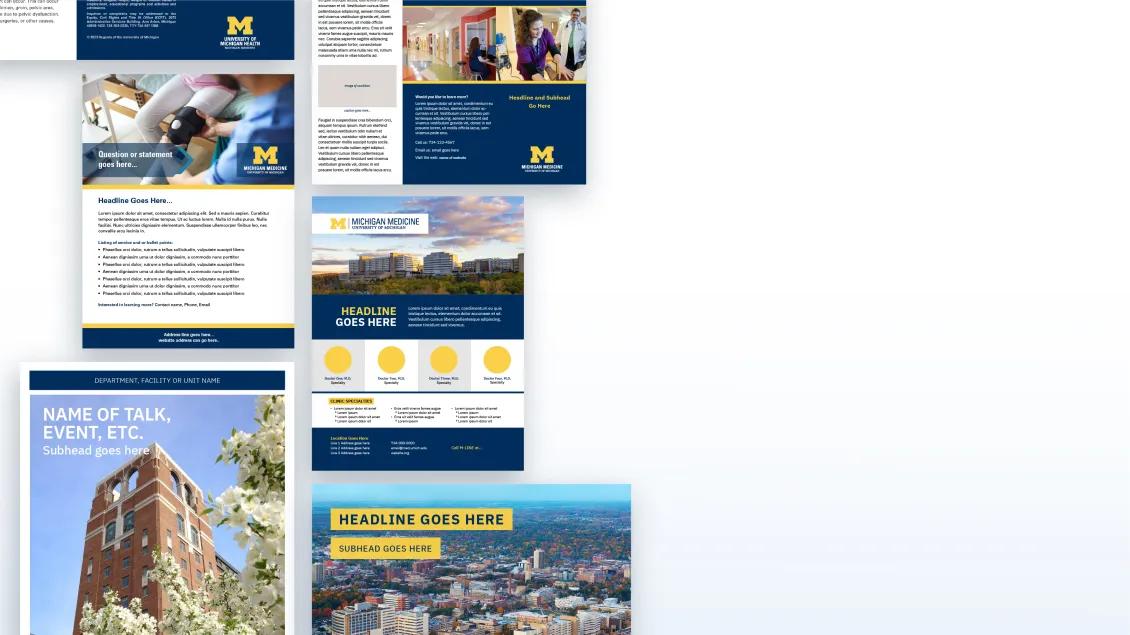
Research Posters
Access user-friendly templates to effectively present your research findings at conferences and academic events.
Here's how the poster development process works:
Download a poster template of your choice
Lay out your poster
Follow the setup steps for accurate output
Pick a vendor to have your poster printed
If you have any questions, you can reach us at [email protected].
Research Poster Templates
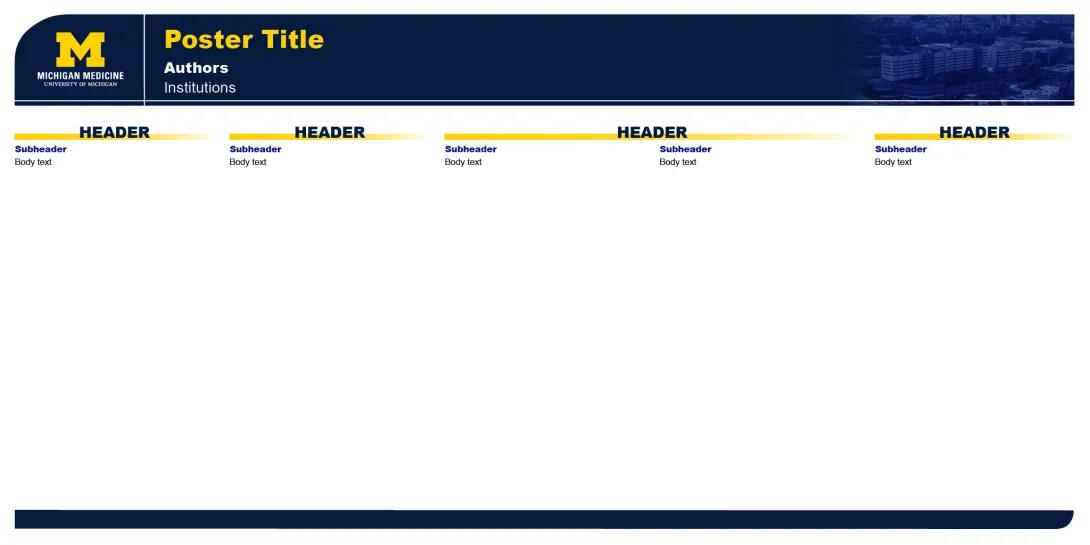
Research Poster Setup Guide
Note: Our Google Slides Poster templates are a new experiment. Please let us know how it goes!
Pick one of the Google templates
Make a copy - File > Move to... (Move to Your Folder)
Lay out your poster
Share with your team for feedback
Download a copy for printing - File > Download as > PDF
Open the .pdf file and zoom in on the graphics at 400% this will show you how they will look when printed
Send that .pdf to your chosen vendor for printing and delivery
Save a copy of your file as a backup
Save a version of your file as a PDF - File > Save As > Format: PDF
Open the .pdf file and zoom in on the graphics at 400% this will show you how they will look when printed
Send that .pdf to your chosen vendor for printing and delivery
Save a copy of your file as a backup
Unlock all objects and layers within your document
Object Menu > Unlock All
Layers Windows > Check that all are unlocked
Select All
PC: CtrlA
Mac: CommandA
Outline fonts to convert text to graphics, making text uneditable
Type Menu > Create Outlines
Embed images
In the Links Window, select each linked file and click the arrow in the upper righthand corner
Select "Embed Image"
Save a version of your file as a PDF
File > Save As > Format: PDF
Open the .pdf file and zoom in on the graphics at 400% this will show you how they will look when printed
Send that .pdf to your chosen vendor for printing and delivery
U-M Printing Vendors
Outside Printing Vendors
Please contact FedEx Office ([email protected] or 734-996-0050) for specific pricing. The price will vary depending on poster size and paper stock.
FedEx Office is a University preferred vendor, they accept short codes and will deliver in Ann Arbor.
If you didn't receive an invoice when the job was delivered, please contact the vendor directly.
FAQs
Invoices will come from your printing vendor. If you didn't receive an invoice when the job was delivered please contact the vendor directly.
Templates are set up at half-size. When your poster gets printed it will be printed up to full size. It is a good idea to tell the print vendor the final size (3'h x 6'w) that you want your poster to be.
If you want to change an image, visit the Media Bank.
If you want to change a logo, visit the Logo Downloads page.
Dimensions for posters in U.S. conferences are often 3 feet by 6 feet. In the conference guidelines, it may state that you have a 4 feet by 8 feet area, but that doesn't mean that you need to print your poster that large. The abstract title and author(s) should be placed at the top in large lettering (at least 1 inch high)
Organize your poster to highlight the major points of your research and to stimulate feedback from your colleagues. The following is suggested: research objective; study design; principal findings; conclusions, relevance to policy, delivery or clinical practice, and research Sponsor(s). Present enough information without overcrowding.
Graphics help to clarify and emphasize the key relationships between figures, as appropriate. The graphics should be precise, clearly labeled and placed near the companion text. If using tables, avoid columns that are too narrow, too numerous or too long. They must be easily read. Use a table with numbers only when simpler visuals like graphs or charts won't suffice
Arrange the flow of information from left to right. Use lines, frames, contrasting colors or arrows to call attention to important points.
Lettering should be a clean and simple font used consistently throughout the poster. Use both upper and lower case letters, especially in the body of the presentation. Use lettering large enough to be read at least three feet away.
Color will attract interest and dramatize similarities and differences. Emphasis may be lost if more than 4 colors are used. The background color of the provided poster board will be white.
Rehearse your presentation and memorize the points you want to emphasize during the poster sessions. Know where these points of emphasis are located on your poster so you can refer to them as you talk with viewers without turning your back or blocking their view.
